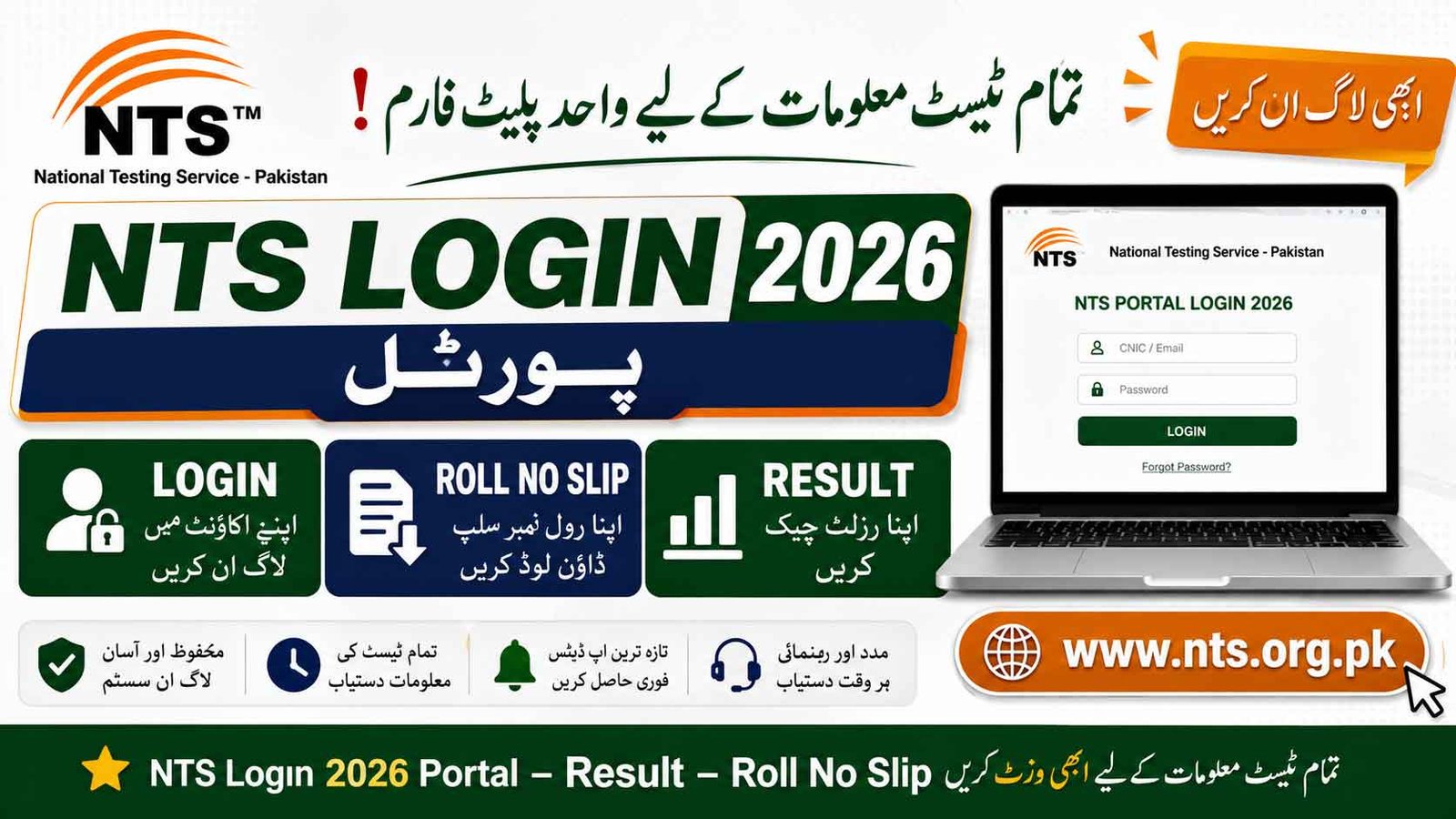
The NTS Login 2026 Candidate Portal provides candidates with access to online registration, job applications, test details, roll number slips, results, and merit lists. Candidates who have applied for any recruitment or academic test conducted by the National Testing Service (NTS) can use the official NTS portal to manage their applications and check test-related updates.
Through the NTS Candidate Portal, applicants can create an account, complete their profile, apply for announced projects, download available documents, and check their application or result status online.
NTS Login 2026 Portal, Result, Roll No Slip @nts.org.pk
The NTS Candidate Portal is an online platform for candidates applying for NTS recruitment and academic tests. After creating an account, candidates can use their login credentials to access their profile and available services.
Candidates should keep their CNIC, registered mobile number, email address, and application details available when accessing their account.
NTS Portal Login Details
| Title | Details |
|---|---|
| Organization | National Testing Service – Pakistan (NTS) |
| Portal | NTS Candidate Portal |
| Purpose | Jobs, Tests, Registration & Results |
| Login | Online |
| Registration | Online |
| Roll No Slip | Download Online |
| Result | Check Online |
| Merit List | Check/Download |
| Official Website | nts.org.pk |
portal.nts.org.pk
The NTS Login 2026 Candidate Portal is an important platform for applicants appearing in NTS recruitment and academic tests. Candidates can use it to manage applications, access available test information, download roll number slips and check results or merit-list updates. Applicants should regularly check the official NTS website and follow the instructions issued for their specific project.
NTS Online Apply 2026
NTS conducts different recruitment, admission, scholarship, and academic tests. Candidates must apply for the relevant project according to the eligibility criteria mentioned in the official advertisement.
To apply for an NTS project, candidates generally need to:
- Visit the official NTS website Www.nts.org.pk.
- Open the Candidate Portal.
- Create an account or log in to an existing account.
- Select the relevant advertised project.
- Read the eligibility criteria carefully.
- Complete the online application form.
- Provide personal and educational information.
- Upload the required documents or photograph, where applicable.
- Pay the prescribed application fee using the method specified for that project.
- Submit the application before the closing date.
Important: The application fee, payment method, required documents and submission procedure can vary from one NTS project to another. Candidates should follow the instructions given in the relevant official advertisement.
How to Create an NTS Candidate Portal Account
Candidates who do not already have an account can register through the NTS online portal.
Step 1: Visit NTS Website
Go to the official NTS website and access the Candidate Portal.
Step 2: Create an Account
Select the registration option and provide the required information, such as:
- Candidate Name
- CNIC Number
- Email Address
- Mobile Number
- Password
Step 3: Complete Your Profile
After registration, log in and enter your educational and personal information as required.
Step 4: Select a Project
Open the list of available NTS projects and select the test or job for which you are eligible.
Step 5: Submit Application
Complete the application form, check all information carefully and submit it before the deadline.
NTS Login Roll No Slip 2026 Download
Candidates who have successfully applied for an NTS test can download their NTS Roll No Slip 2026 when it is issued.
The roll number slip normally contains important information such as:
- Candidate Name
- Roll Number
- CNIC
- Test Date
- Test Time
- Test Center
- Reporting Time
- Test Instructions
How to Download NTS Roll No Slip
- Visit the NTS official website.
- Open the relevant Roll No Slip section or Candidate Portal.
- Log in using your credentials.
- Select the relevant test/project.
- Download or print your roll number slip.
Candidates should carefully check the test center and reporting time before appearing in the examination.
NTS Login Result 2026 Check Online
After the completion of an NTS test, the result is uploaded through the relevant NTS result system or project page. Candidates can check their NTS Result 2026 using the information requested by NTS.
Depending on the project, the result may be available through:
- CNIC
- Roll Number
- Candidate Login
- Project-specific result page
Once the result is announced, candidates should check their marks and qualification status carefully.
NTS Merit List 2026
For recruitment projects, NTS may publish shortlisted candidates, merit lists, interview schedules or other selection-related information according to the requirements of the concerned organization.
Candidates should regularly check the relevant project page and official NTS announcements for:
- Shortlisted Candidates
- Merit List
- Interview Schedule
- Test Result
- Final Selection
- Document Verification
NTS Test And Services
NTS conducts different types of tests for academic and recruitment purposes. Common NTS test categories include:
| Test | Purpose |
|---|---|
| NAT | National Aptitude Test |
| GAT-General | Graduate Assessment |
| GAT-Subject | Subject-based Graduate Assessment |
| Recruitment Tests | Government & Private Jobs |
| Admission Tests | Educational Institutions |
| Other Projects | According to announced programs |
Eligibility requirements differ according to the test or project, so candidates should always read the relevant advertisement before applying.
NTS Application Fee Payment
Candidates are required to pay the prescribed fee for projects where an application fee applies. The available payment method is specified in the relevant NTS advertisement or application portal.
Depending on the project and instructions provided by NTS, candidates may be offered online or designated banking/payment options.
Do not pay any fee through unofficial websites or individuals. Always use the payment method provided by NTS for the specific project.
How to Check NTS Application Status
Candidates can check their application status through the Candidate Portal where the service is available.
- Open the NTS Candidate Portal.
- Log in to your account.
- Open your applications or relevant project.
- Check the current application status.
- Follow any further instructions shown on the portal.
NTS Login Problems
If you are unable to access your account, check the following:
| Problem | Possible Solution |
|---|---|
| Forgot Password | Use the password recovery option |
| Incorrect Login | Recheck your credentials |
| OTP Not Received | Wait and request another OTP if available |
| Website Not Loading | Try again later |
| Application Not Showing | Check the correct project/account |
| Payment Issue | Follow the project-specific payment instructions |
Documents Required For NTS Online Apply
The required documents depend on the particular NTS project. Candidates may be asked to provide:
- CNIC
- Recent Photograph
- Educational Certificates/Degrees
- Domicile
- Experience Certificate
- Registration Certificate, where applicable
- Other documents mentioned in the advertisement
Applicants should upload clear and readable documents in the format and size specified by the portal.
Important Instructions For NTS Candidates Portal
- Use your own CNIC and active mobile number.
- Provide information exactly according to your official documents.
- Check the eligibility criteria before applying.
- Do not wait until the last date to submit the application.
- Keep your application or registration number safe.
- Download and save your roll number slip when issued.
- Check your test center and reporting time carefully.
- Follow all instructions printed on the roll number slip.
- Check the official NTS website regularly for updates.
Frequently Asked Questions
What is the NTS Candidate Portal?
The NTS Candidate Portal is an online system through which candidates can manage NTS registrations, applications and other available test-related services.
How can I apply for NTS Jobs 2026?
Visit the official NTS website, create or access your Candidate Portal account, select the relevant advertised project and submit the online application according to the advertisement.
How can I download my NTS Roll No Slip?
Log in to the NTS Candidate Portal or visit the relevant project page when the roll number slips are issued and download your slip.
How can I check my NTS Result 2026?
Use the relevant NTS result page or Candidate Portal and enter the information requested for your particular test.
Is NTS registration the same for every test?
No. Requirements and application procedures can differ between NTS projects. Candidates should follow the instructions of the specific advertisement.
NTS Official Website
Candidates should use the official NTS platform for registration, applications, roll number slips and results and avoid relying on unofficial websites for payment or personal information.
Official Website: www.nts.org.pk